
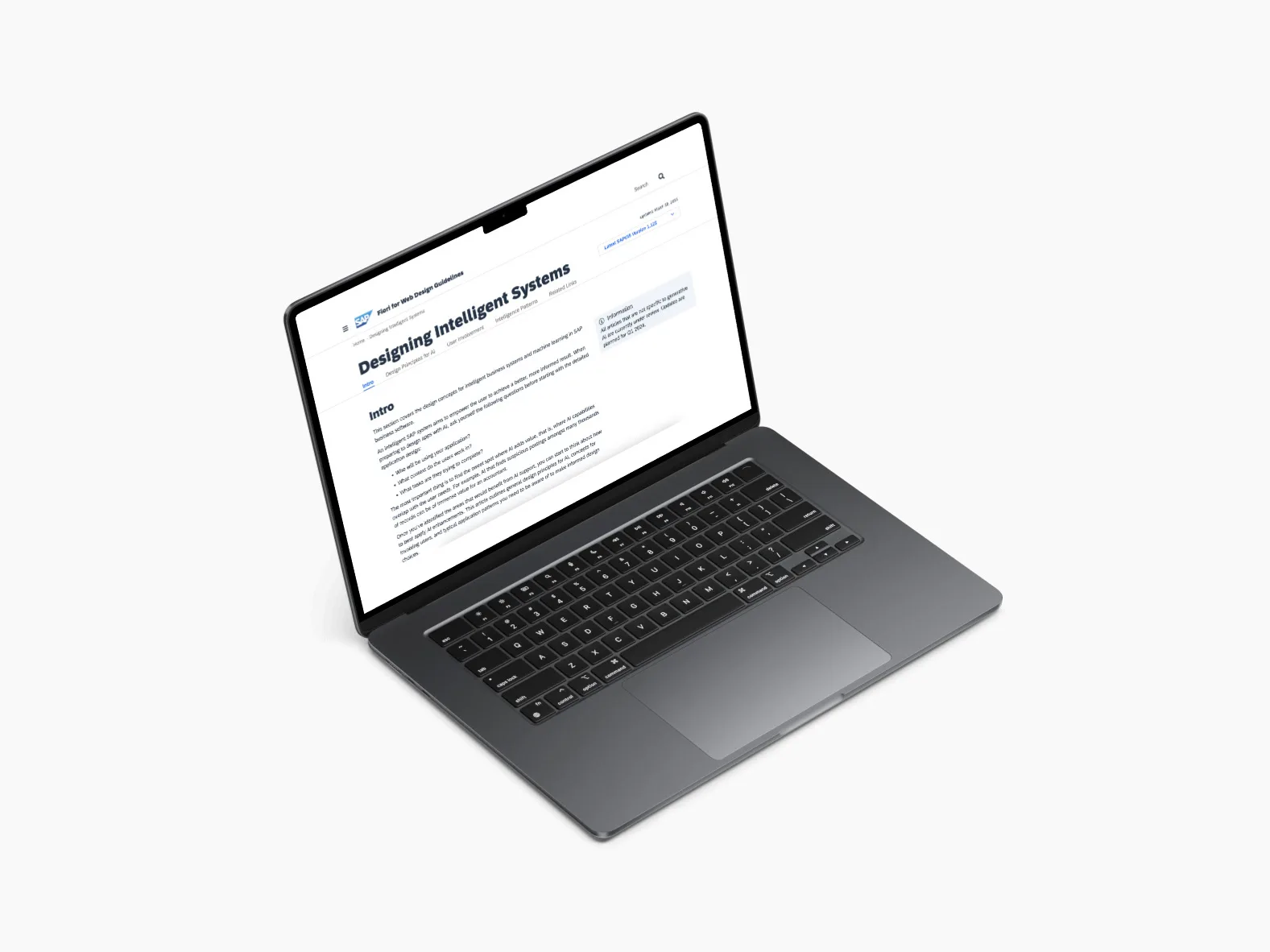
- SAP AI Design System
- Patterns
- Accessibility
Telling AI-written text apart from your own
AI Text Highlight Pattern, 2024
A contribution to the SAP AI Design System: reusable UX patterns for generative-AI experiences, published as internal guidelines and Figma components and adopted across SAP. I led the design from initial research through development handoff.
AI Text Highlight
How might we design an intuitive and inclusive experience for AI-assisted text generation that lets people clearly tell AI-generated text from what a human wrote?
The pattern gives a clear, accessible visual treatment that separates machine-generated text from human-authored text, essential for trust, review and accountability in AI-assisted writing.
Research
- Highlighting is a common convention across generative-AI products for marking AI content.
- AI-assisted writing follows a recurring loop: generate, then verify, regenerate, choose a draft or tune, then accept or discard. The pattern had to support every stage.
- Most existing highlight patterns aren’t accessible. That gap was the opportunity, so accessibility specialists joined early.
- Competitive analysis covered Google Bard, Microsoft Copilot and Grammarly.
Process
- Secondary research into how people treat AI-generated content, plus the competitive teardown.
- Explorations with product teams around concrete use cases and candidate visual markers.
- Design reviews with stakeholders and accessibility experts.
- High-fidelity mock-ups, refined after feedback.
- Prototypes demonstrating the interaction across the whole loop.
- Documentation: specifications and usage guidelines for internal publication.
- Components delivered into the SAP AI Web UI Kit in Figma.
Guided Prompt
A structured input that helps people instruct a generative model toward the output they want. Instead of writing a custom prompt from scratch, people set attributes, styles and parameters through familiar controls. That lowers the skill barrier and makes results more predictable.
Outcomes
- Both patterns were published as internal guidelines and adopted across SAP.
- Development specifications were documented for engineering handoff.
- New components joined the SAP AI Web UI Kit in Figma.